Blog - Downeast Home
The Shopify blog is fairly easy to update. Below you will find instructions for using categories, blog tags, and highlighting articles on the main blog page.
Categories
The blog articles are sorted into four categories per the design: Design, Lifestyle, Self-care, and Community. There is also a separate page for all the blog posts. If we want additional categories or to remove a category, we will need to get an updated design.
When you create blog post, simply add the category you want it to be listed in. This dropdown can be found on the lower right hand side.
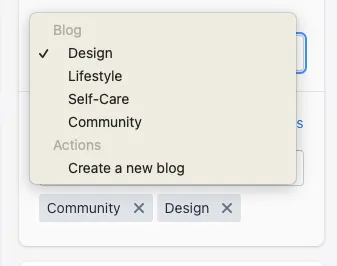
You can only had a blog post to one category. If you want it to show in another category, you’ll need to create another post.
Tags
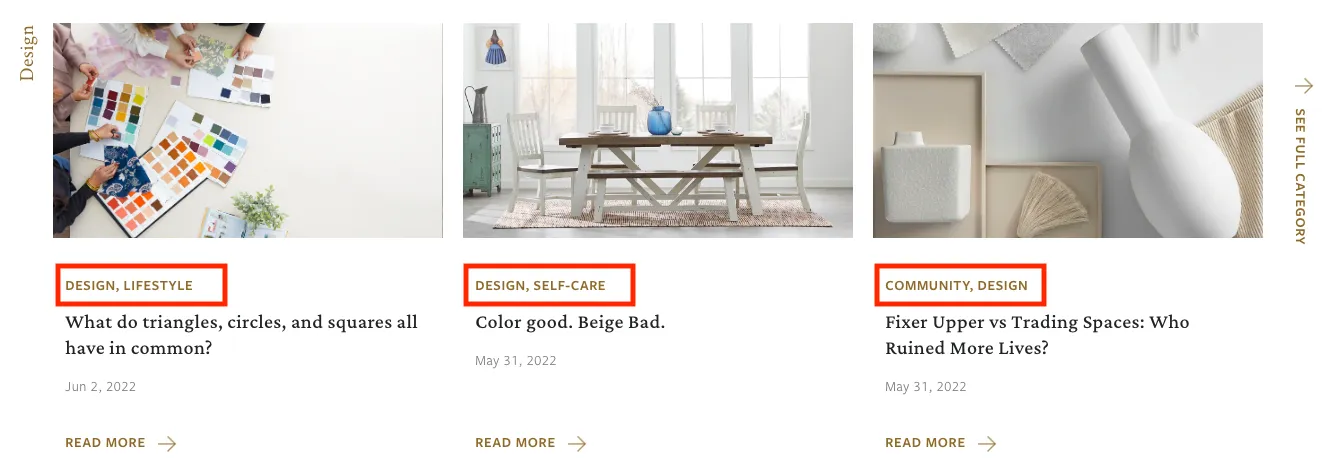
To show the categories or interest the blog post falls into, you can use tags. These will show on the main blog page and category pages for the viewer.
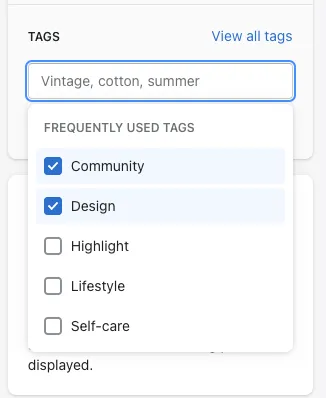
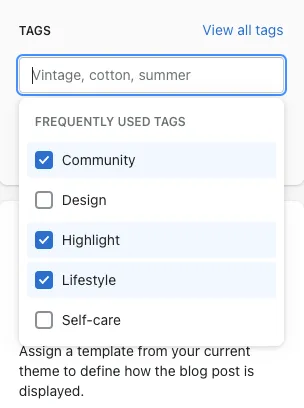
The tags live below the blog category on the lower right hand side. You can create new tags or use the ones existing.
Showcase Article
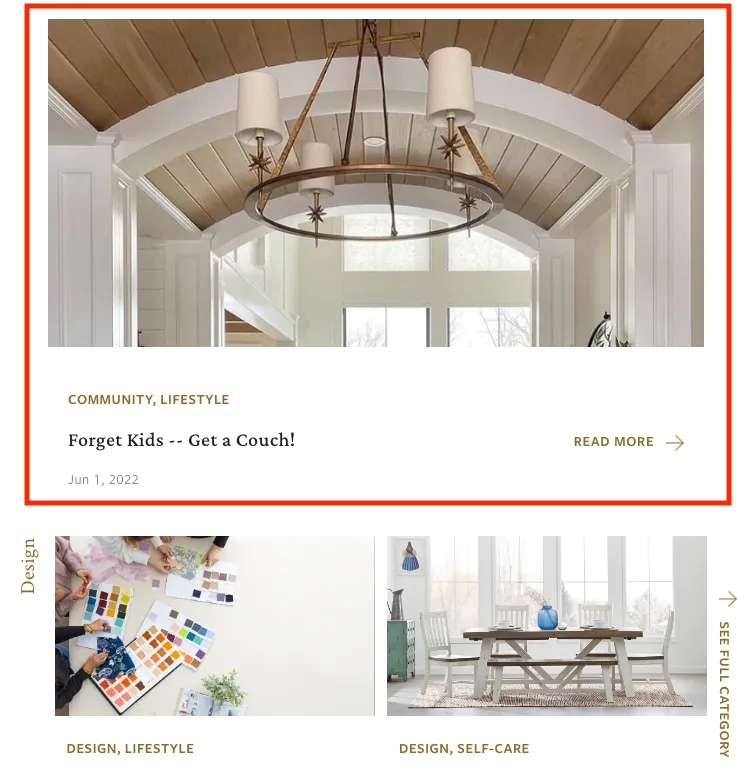
For the top showcase article on the main blog page, you use the tag Highlight. This will “highlight” the article at the top of the page. Highlight will not show on the article, it simply lets the system know that this is the article we want to highlight. Only 1 highlighted article will show at the top of the page, so there should be no issues if you have the highlight tag on multiple articles. The newest article will be the one to display.
To use, simply tag the article with Highlight.
The latest article should display like below: