Editing the footer
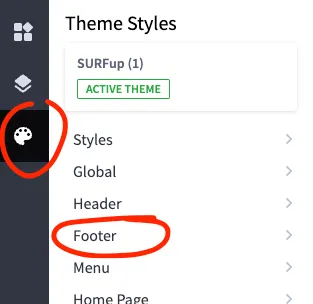
You can edit the footer from the Theme Styles panel.
Column Links
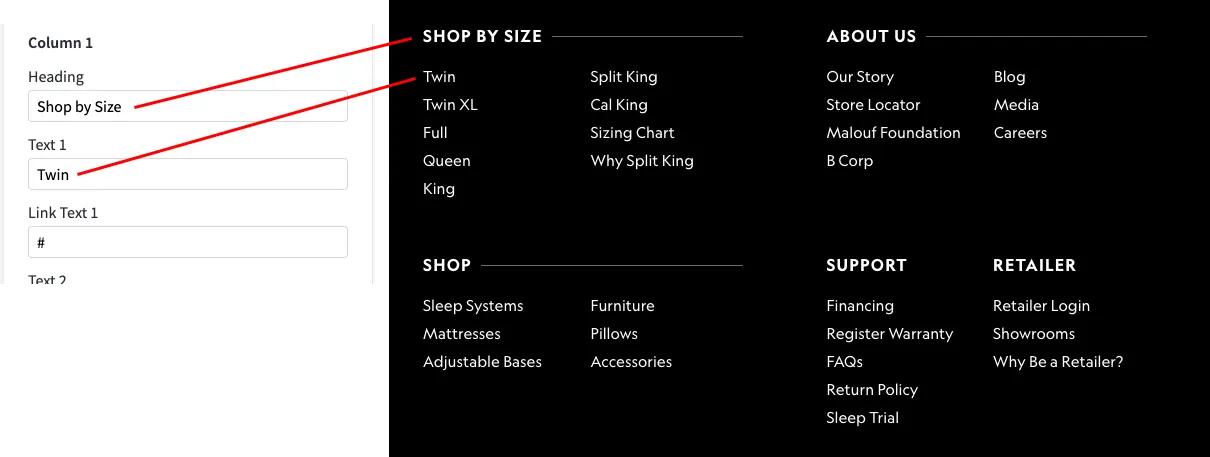
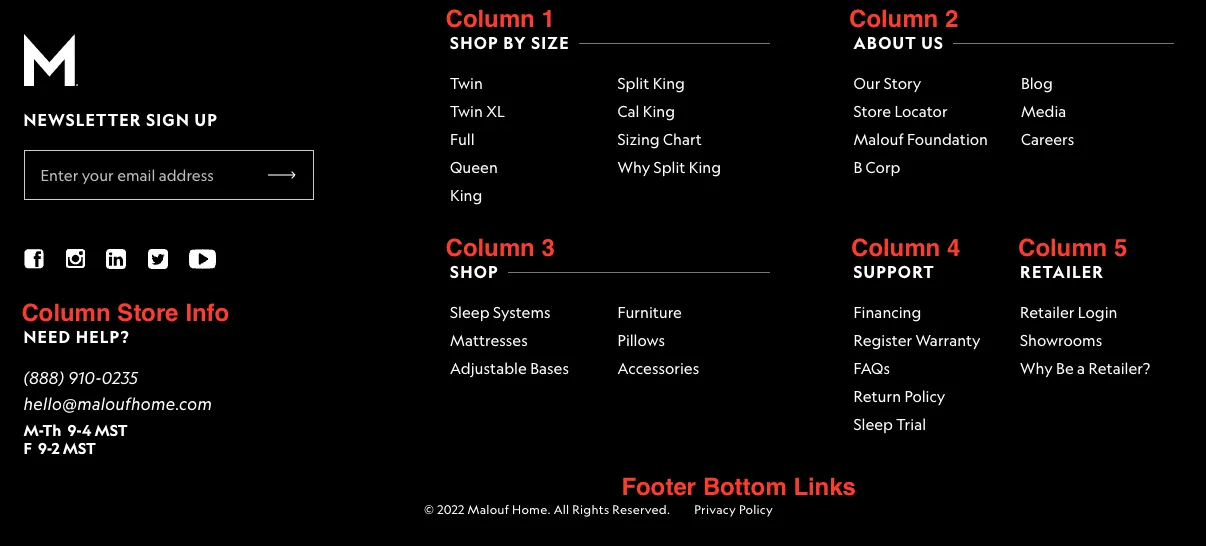
Edit the column links by finding the appropriate column and editing the heading, text, or link text.
Shop by Size | Using Filters
In order to get the links needed for the Shop by Size column, you will need to navigate to the hidden Shop Now category. The category is hidden from the main nav, but products can be added as needed.
To get the URLs for the custom filters, select the filter you would like.
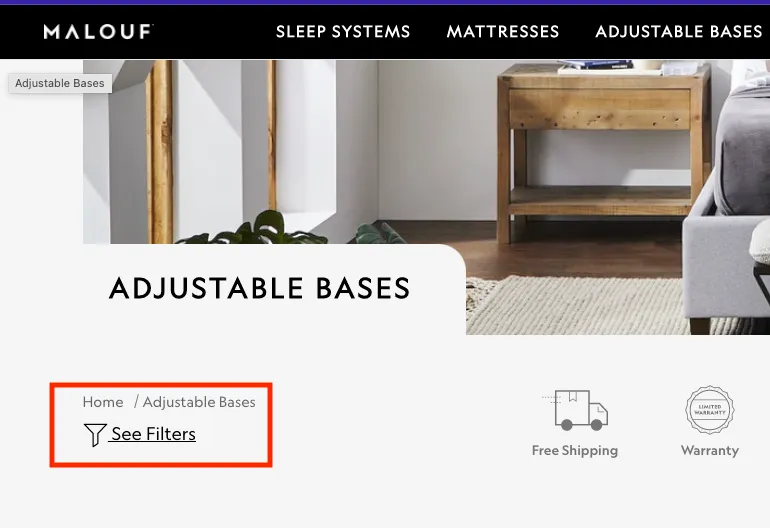
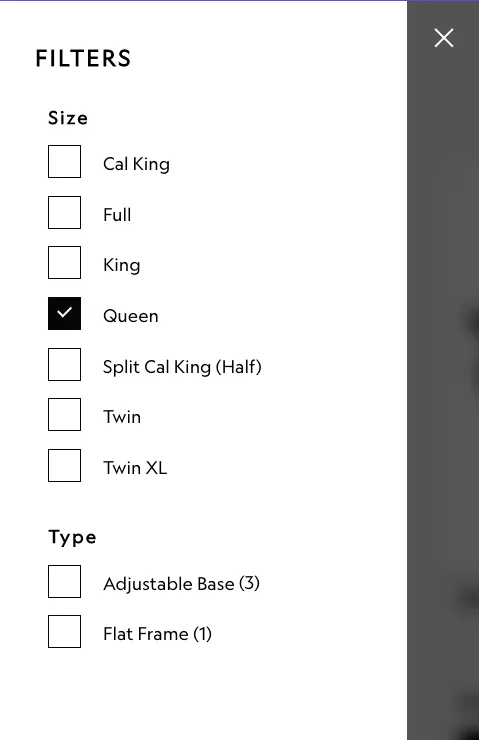
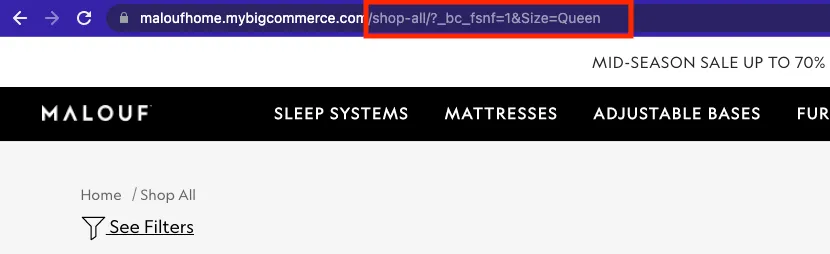
Be sure to copy the browser link starting after .com. That will be your link for the footer menu. You can select multiple filters, too. Just make sure to update the url as needed in the footer link.
You can learn more about filters at BigCommerce.