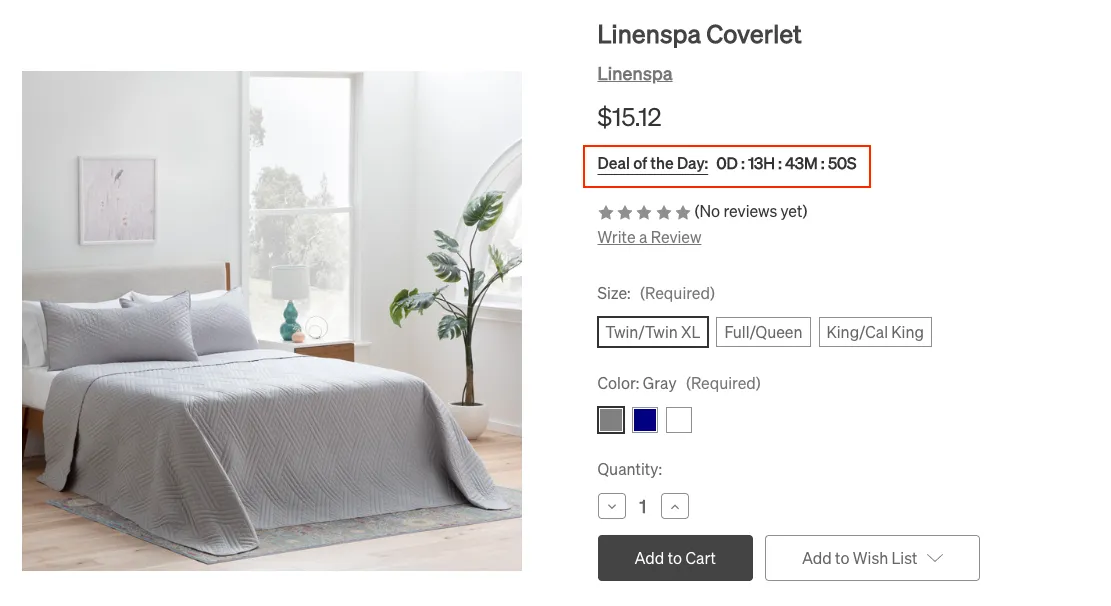
Daily Deal Countdown
For the products with the daily deals custom field, you can trigger a countdown timer to appear on the product page by following these steps:
- Add custom field
deal-end-date - Set the field value as a date in the format of
year-month-day - Make sure the custom field
deal-of-day-badgeis also on

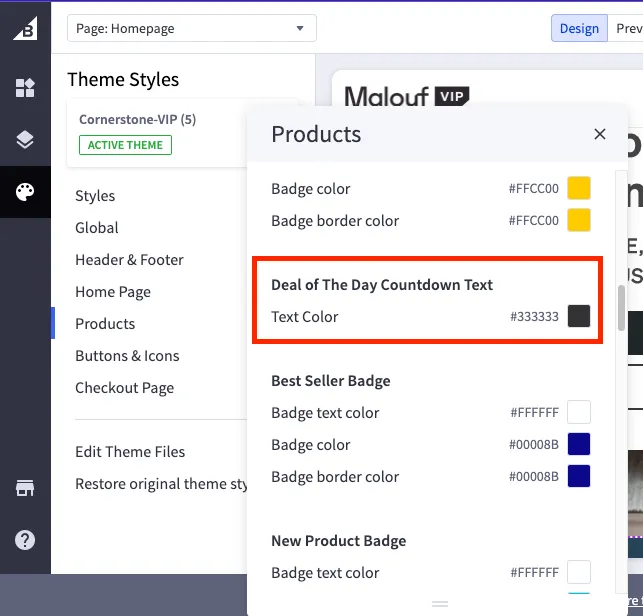
The text color can be updated by going to pagebuilder > theme styles > products.
When live, the timer should look like this: